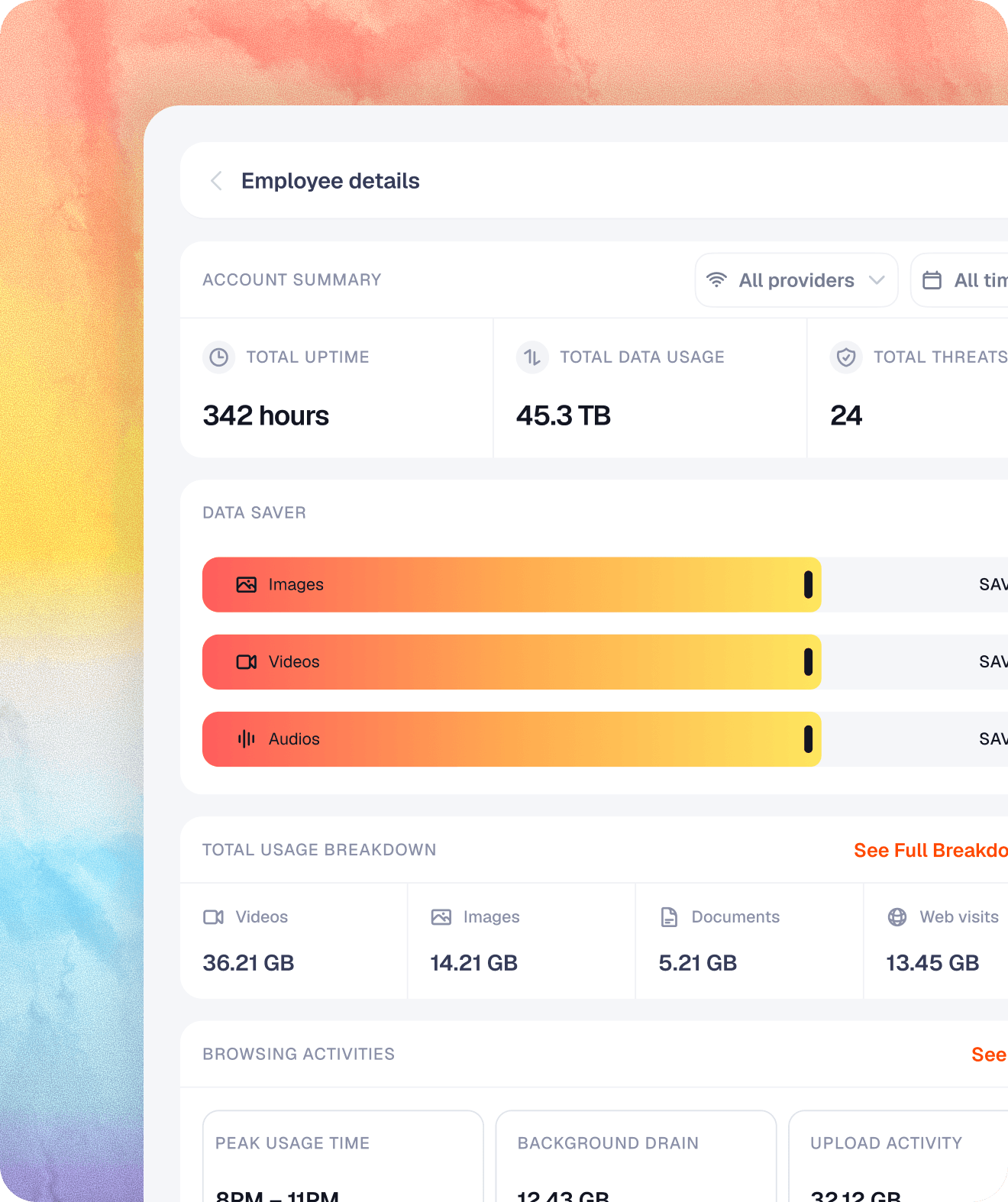
Manage Every Connection.
Protect Every Employee.
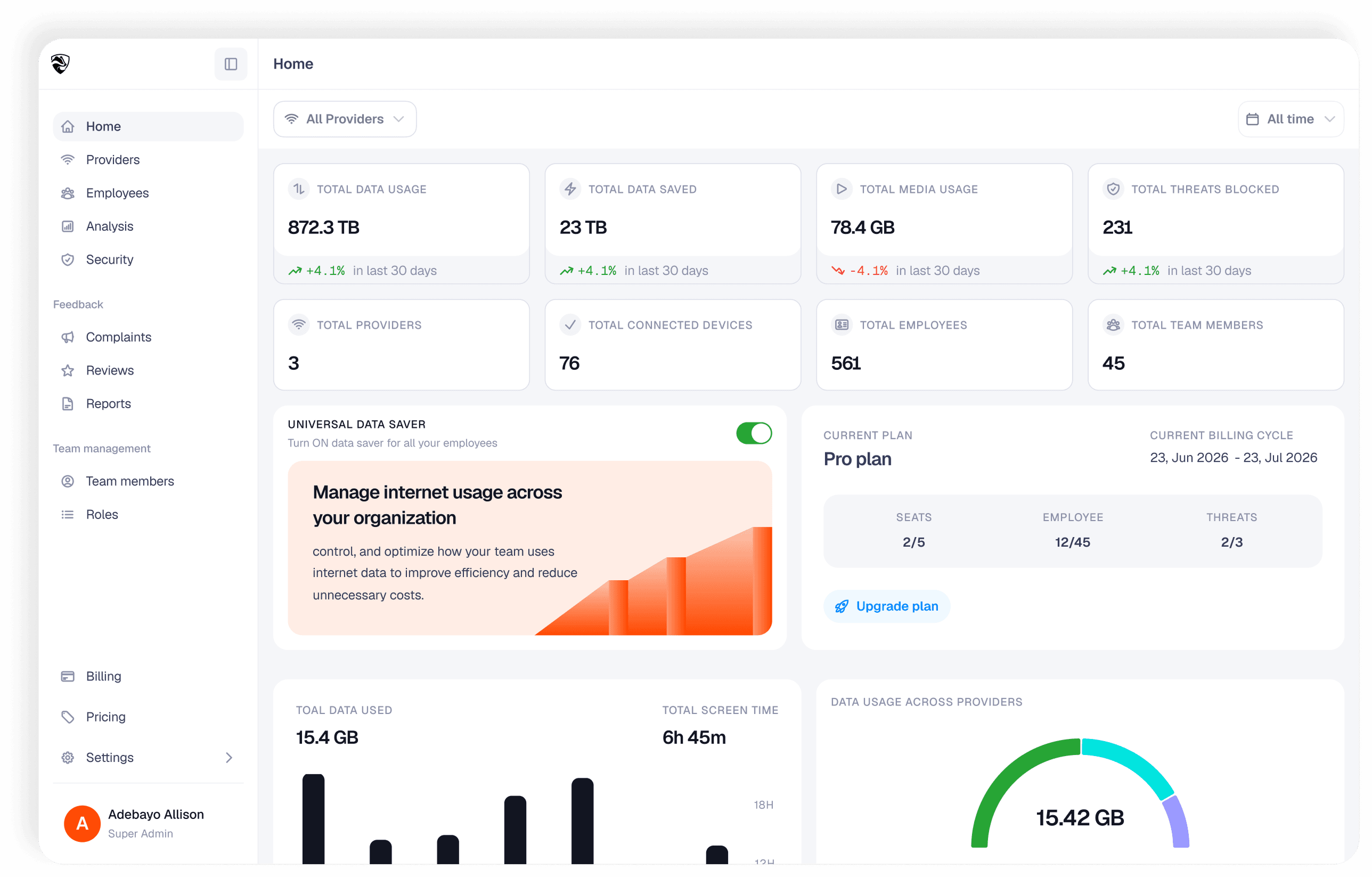
Trusted By Your IT Team


Know Where Company Data Goes
See how internet is consumed across teams, identify bandwidth-heavy applications, and make informed decisions about your company's network resources.
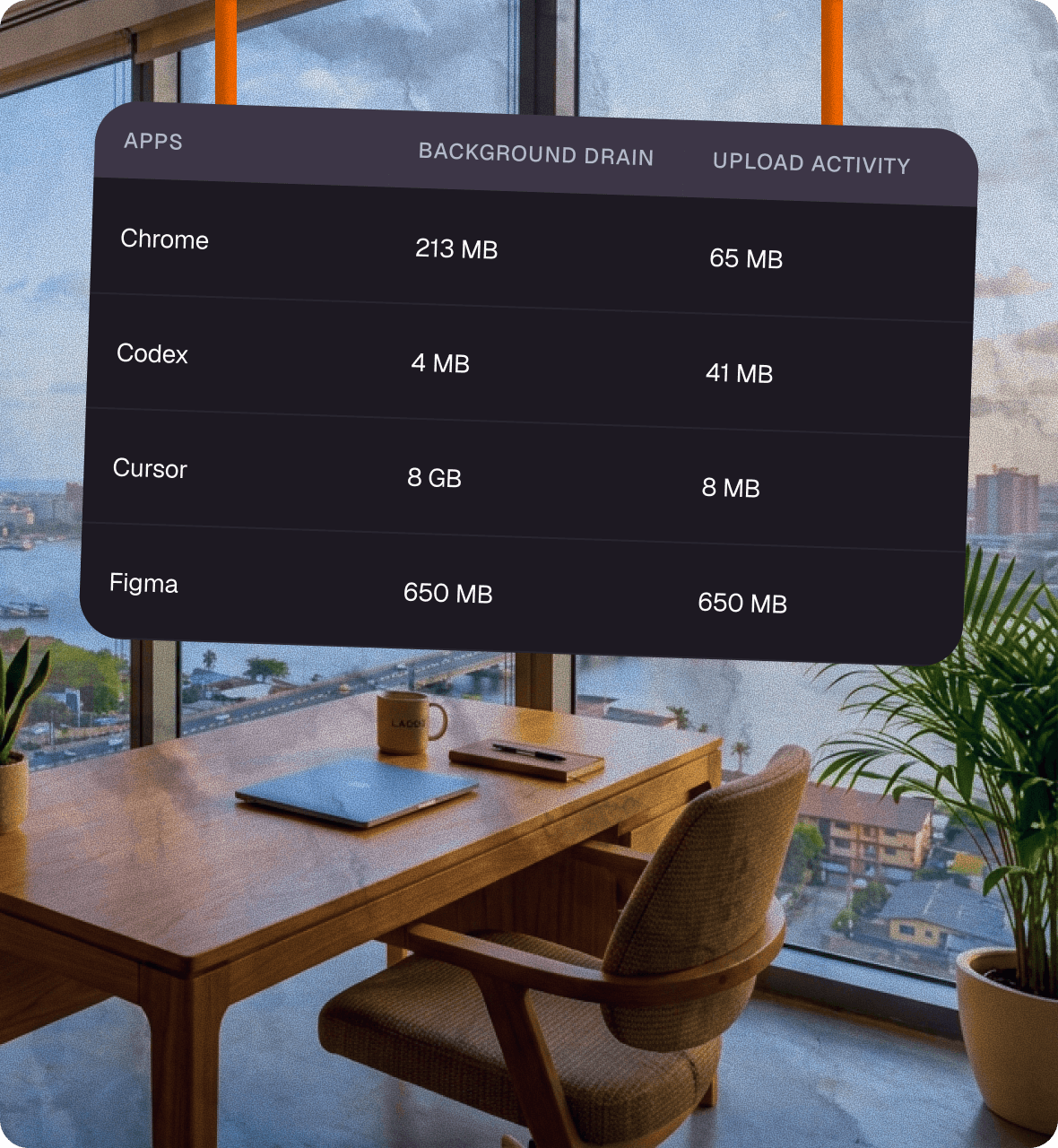

Manage Employee Internet Access
Invite employees, manage permissions, suspend access when
necessary, and monitor internet usage from a single dashboard.
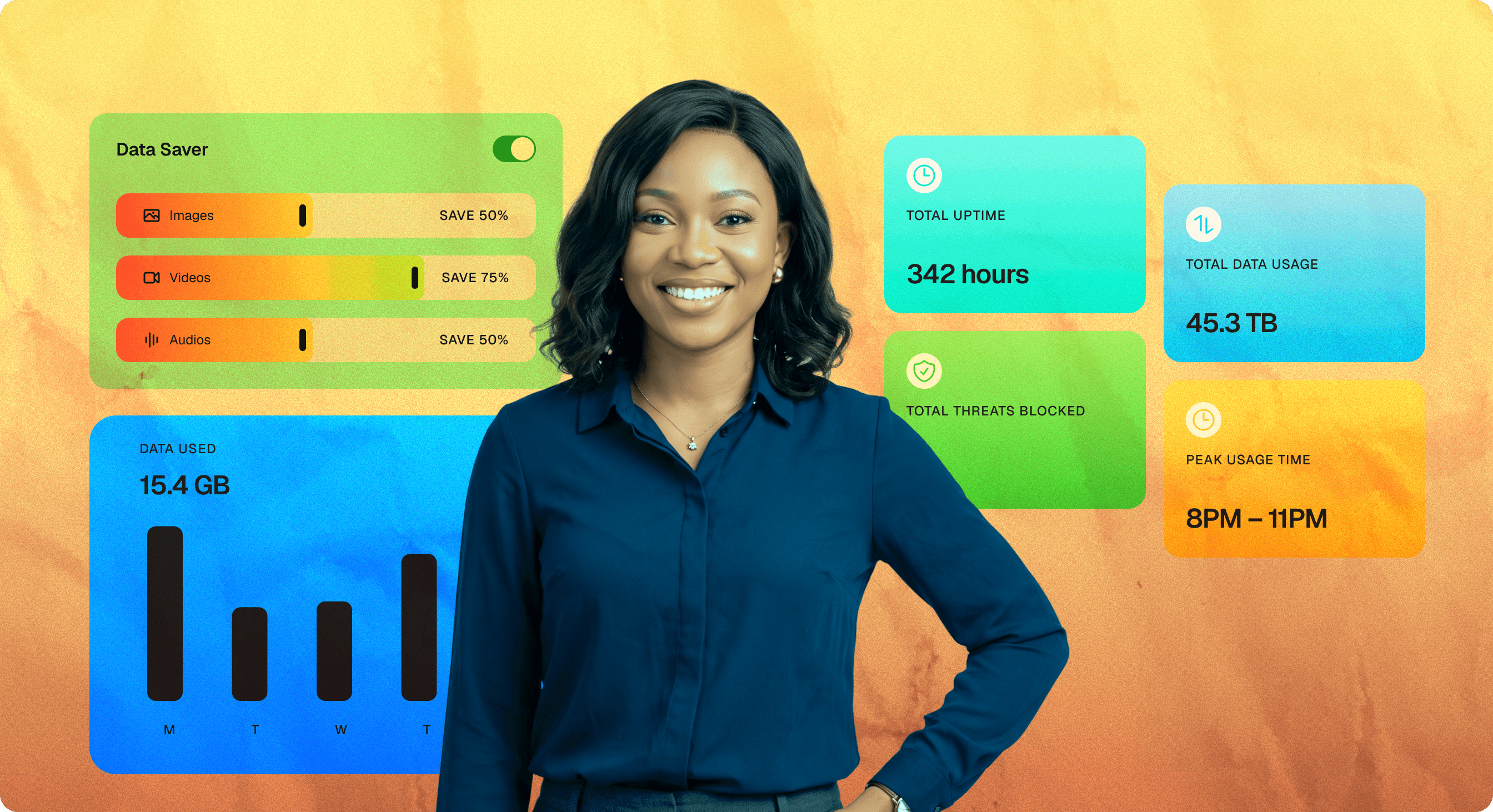

See Threats Before
They Become Problems
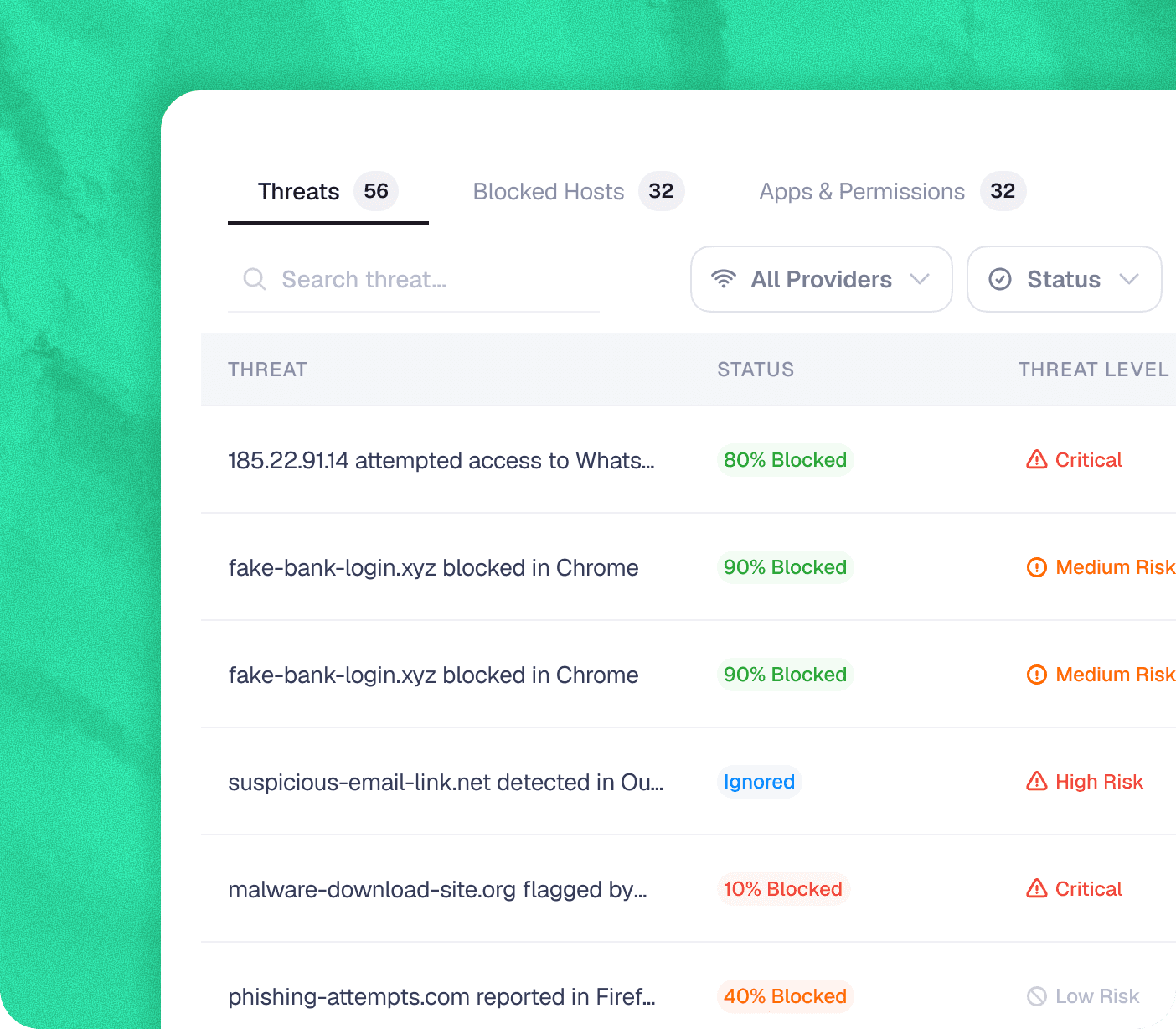
Monitor blocked malware, phishing attempts, suspicious hosts, and vulnerable employee devices from a centralized security dashboard.
Why Businesses Choose Badger
Monitor blocked malware, phishing attempts, suspicious hosts, and vulnerable employee devices from a centralized security dashboard.

Reduce Data Costs
Understand where company bandwidth goes.
Strengthen Security
Protect employees from malware and suspicious connections.
Hold Providers Accountable
Know whether you're getting the service you're paying for.
Improve Employee Productivity
Identify unnecessary internet usage and cut it off.
Make Better IT Decisions
Get real analytics instead of making assumptions.
Get Started in Minutes. Stay in Control Every Day
From setup to real-time monitoring, Badger gets your organization connected in four simple steps.
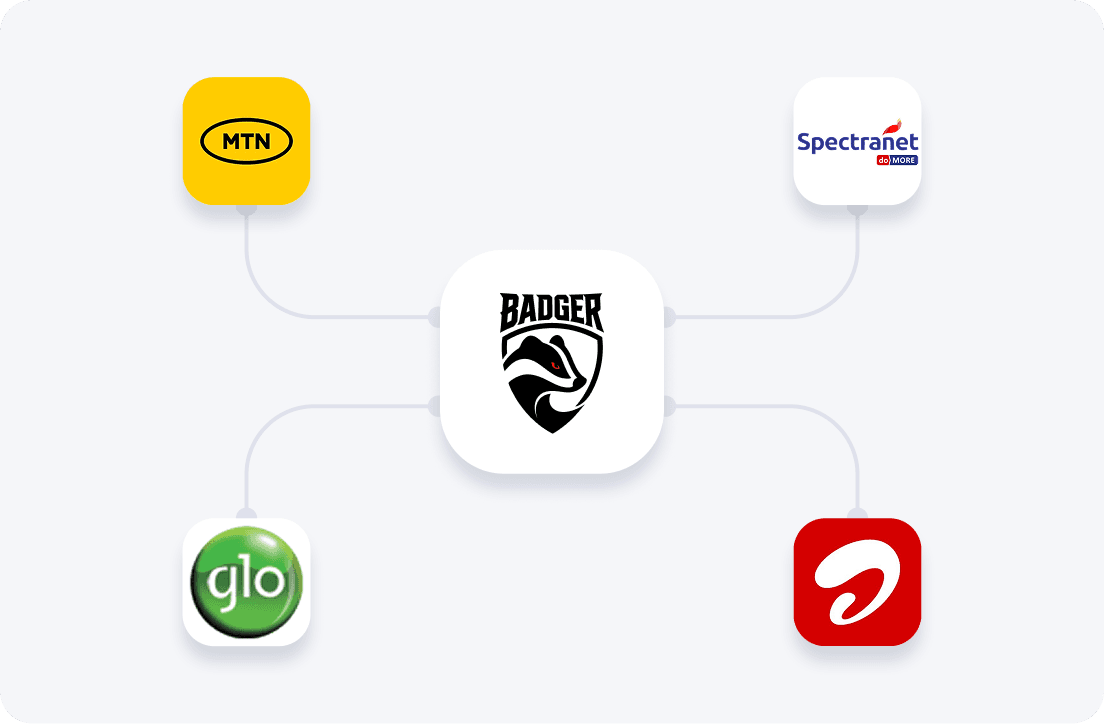
Add Your Network Providers
Connect the internet providers your business relies on to start monitoring network quality, performance, and usage across your organization.

Invite Your Employees
Add employees with their work email, assign access, and automatically provision their Badger accounts across desktop and mobile.
Download & Activate the Desktop App
Install the Badger Desktop App, sign in, and connect your organization's devices to begin secure monitoring and analytics.
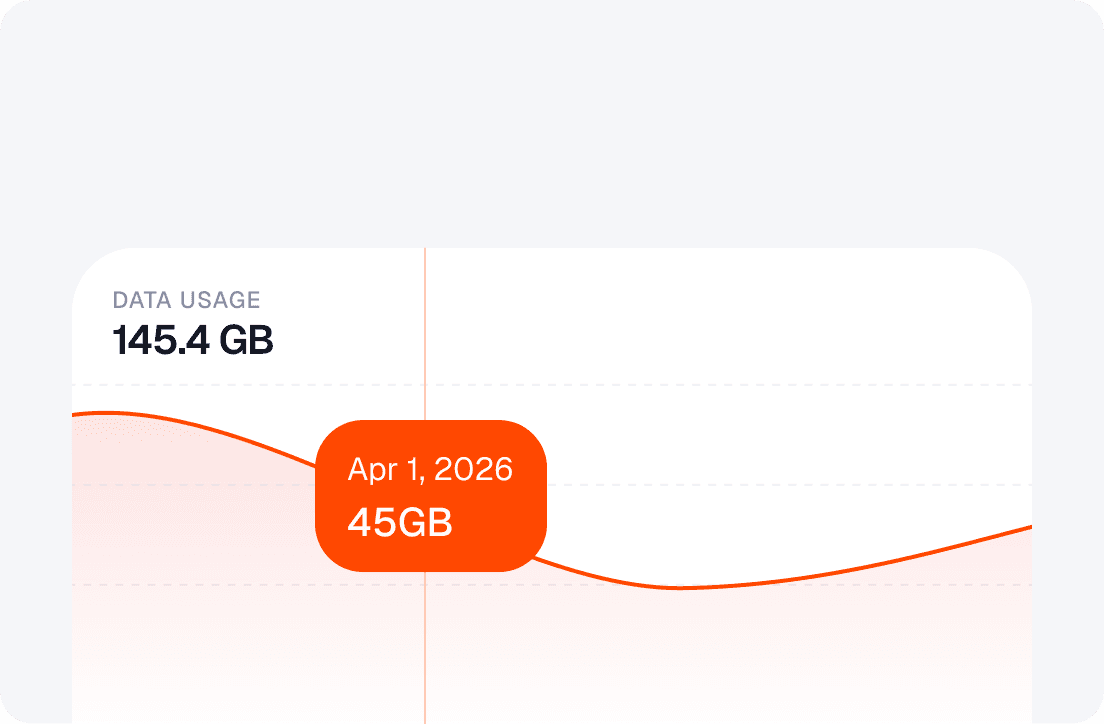
Monitor, Protect & Optimize
Track internet usage, manage employee access, analyze provider performance, detect threats, and generate reports—all from one powerful dashboard.
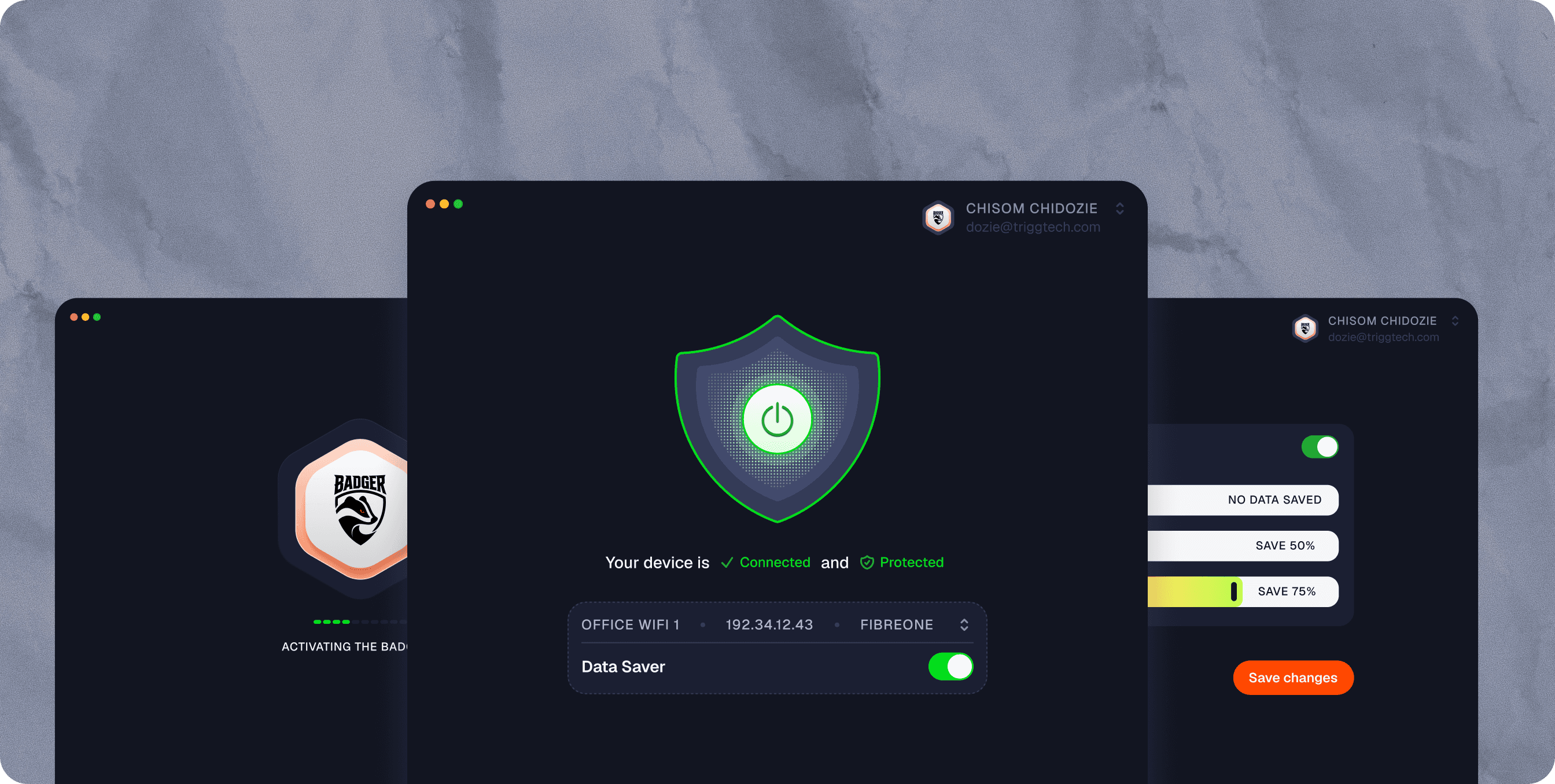
Bring Badger to Your Desktop
Activate Badger on your computer and stay protected while you work. The desktop app gives you quick access to essential Badger features without the need for the full mobile experience.
Frequently Asked Questions
Learn more about Badger, how it works, and what you can expect from your experience.
Can't find what you're looking for? Our support team is here to help.
Do I need the Badger Desktop App to use Badger?
What features are available on the desktop app?
Does Badger monitor everything on my computer?
What devices does Badger support?
How do I set up the Badger Desktop App?

Run A Smarter, More Secure Business
Join businesses using Badger to gain visibility into network activity, protect employees, optimize internet costs, and make data-driven IT decisions.